n8n Workflow Category

n8n Productivity & Collaboration Workflows

Free n8n templates and setup guides for team collaboration and task automation. Connect Notion, Slack, Trello, Asana, and Google Workspace, automate daily standups and project handoffs, and download ready-to-import JSON files.

Free JSON Downloads Task Sync & Workspace Automation 4 Workflows Available

Showing 4 of 4 workflows

Nouman Lodhi

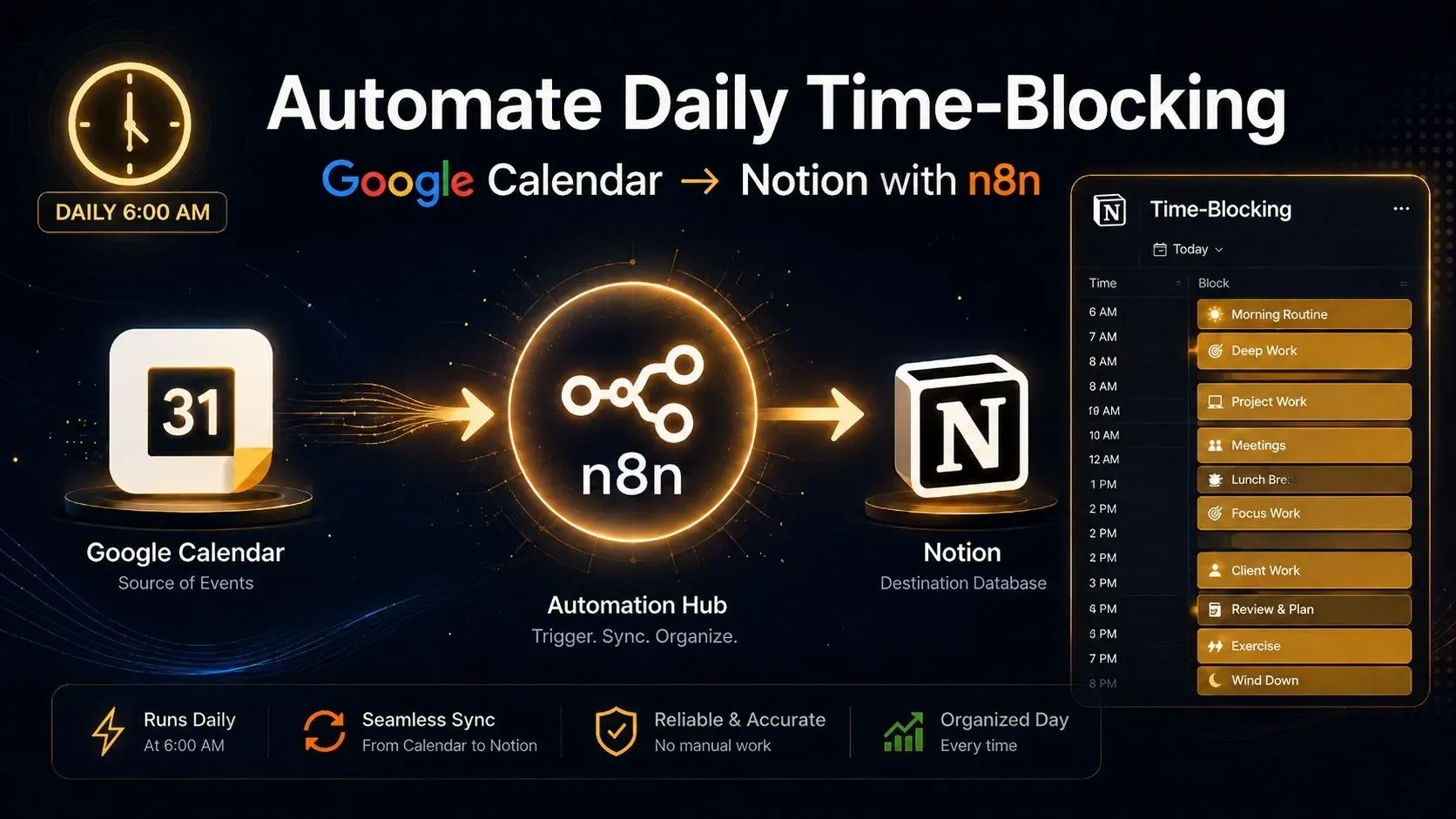
Automate Google Calendar to Notion Time-Blocking Daily

It's 7:15 AM. You open Notion to check today's plan, but your calendar's already been filling up since yesterday. Three meetings got added overnight. Two client emails came in at 6 AM with "urgent" meeting requests. Your planned time blocks in Notion are completely out of sync with your actual schedule. By the time you manually update Notion's database to match your calendar, you've already lost thirty minutes and the motivation to actually use your time-blocking system at all. This guide builds an automation that closes that gap. Every morning at 6 AM—before you even see the first email—n8n reads your Google Calendar, pulls today's events, and automatically updates your Notion time-blocking database. When you open Notion with your coffee, today's schedule is already synced and ready. No manual copy-and-paste, no conflicting information, and no reason to abandon your system halfway through the day. This guide's specific technical focus covers...
Nouman Lodhi

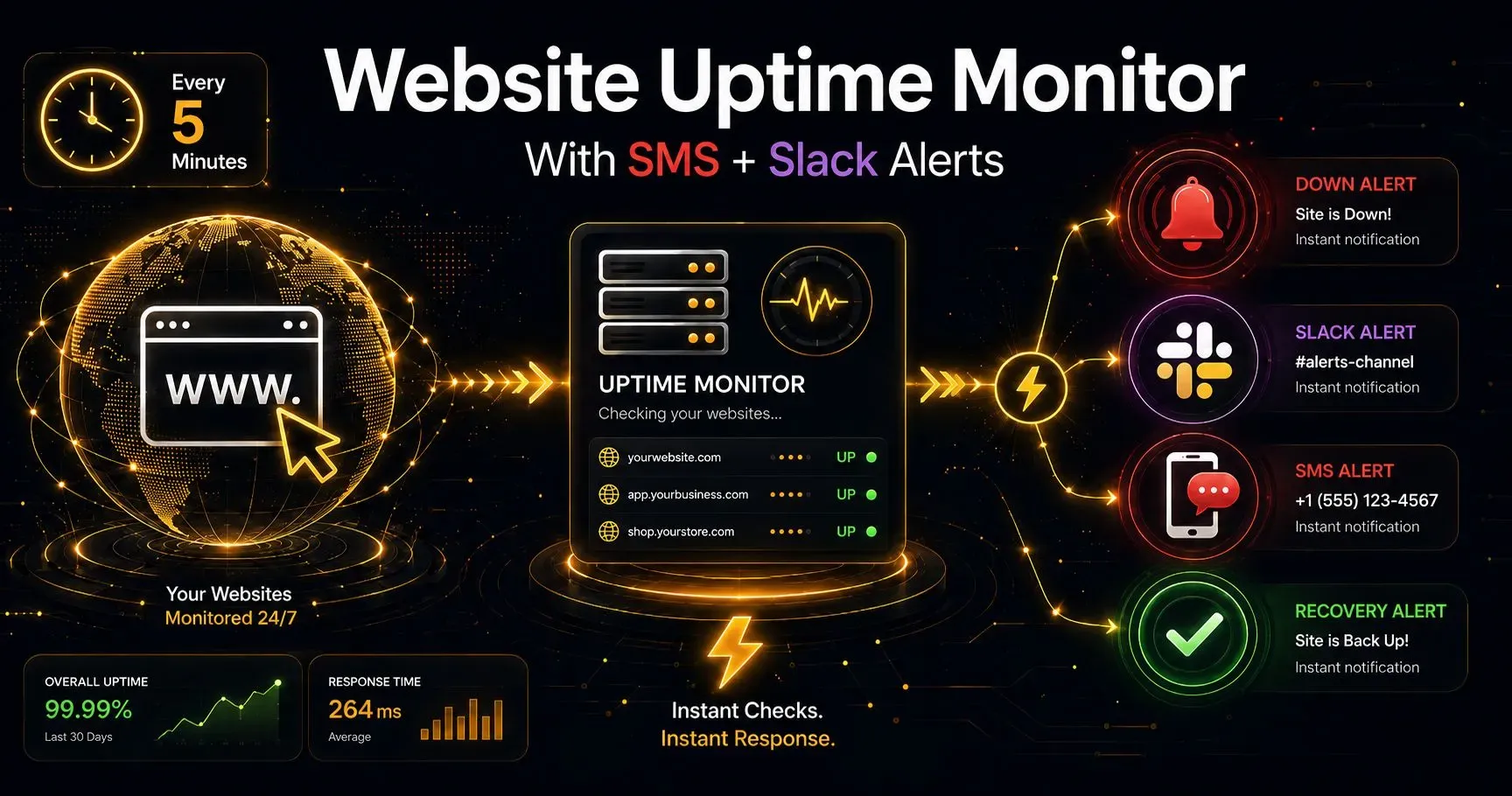
Build a Website Uptime Monitor With n8n + SMS

Here's the uncomfortable irony most people building their first uptime monitor run straight into: the one moment this automation actually needs to work — the instant your website goes down — is exactly the moment a poorly built version quietly stops working too. A node set to simply fail when a request fails means the entire workflow halts right when it should be springing into action. The monitor built specifically to catch an outage ends up silently going down along with the site it was watching. This guide builds an uptime monitor that doesn't have that blind spot. Every 5 minutes, it checks your live site, and the moment something's wrong — a timeout, a connection failure, or a bad status code — it fires off both an SMS and a Slack message immediately. This guide's specific technical focus is exactly the part that causes that silent-failure problem: configuring n8n's...

Nouman Lodhi

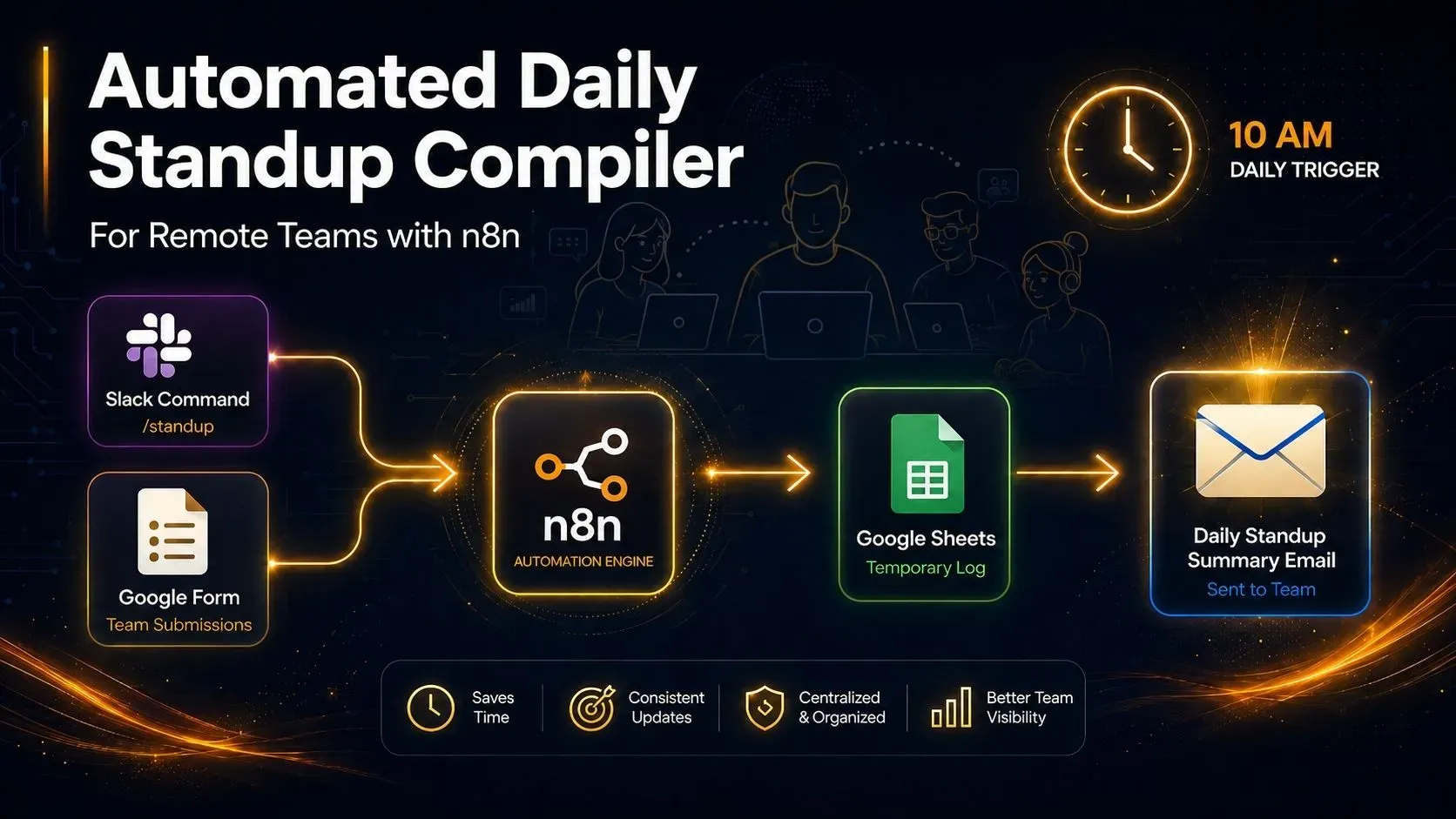
Automated Daily Standup Compiler for Remote Teams (n8n)

It's 9:58 AM and the project manager is scrolling through four different Slack channels, four different DMs, and a form response sheet, trying to piece together what the team actually did yesterday. Two people forgot to post their update at all. One person's update is buried under a meme someone sent an hour later. By the time everything is pulled together, the "daily" standup summary goes out at 11:30, and half the team has already moved on to something else. This guide builds an automation that fixes that. Team members submit a short update whenever it's convenient for them, through a simple form or a Slack command. Every update gets saved automatically. Then, at 10 AM sharp, everything gets pulled together into one clean, easy-to-read email and sent straight to the project manager — no copying, no pasting, no chasing anyone down. This guide's specific technical focus is something that...

Nouman Lodhi

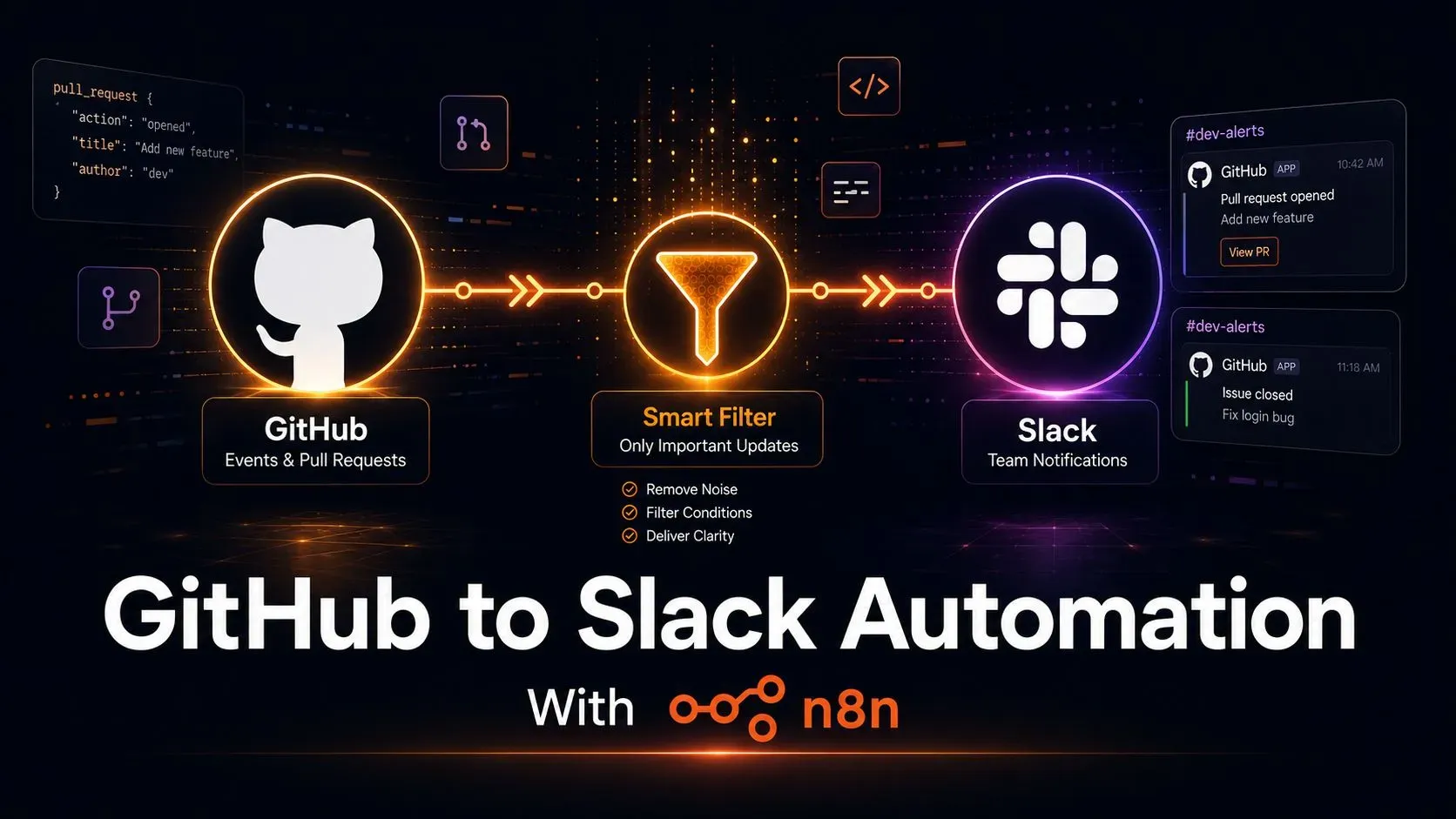
GitHub to Slack Automation With n8n (Beginner Guide)

A developer opens a pull request that needs a second pair of eyes before the release goes out. Nobody sees it. Not because the team doesn't care, but because the Slack channel already got muted three weeks ago after GitHub's default notifications turned it into a wall of "synchronize," "assigned," and "review_requested" messages nobody could keep up with. That's the real problem with connecting GitHub to Slack: it's easy to get some notification working, and much harder to get only the right notifications working. This guide builds both — a working automation in n8n, and a filtering layer that stops the exact kind of noise that gets channels muted in the first place. Every step below tells you exactly what to click and where. No n8n or GitHub webhook experience required. Here's the short version before the step-by-step begins: Something happens on GitHub (a pull request opens, or an issue...